
Overview
Identifying Which Disease has affected a Leaf
Abstract
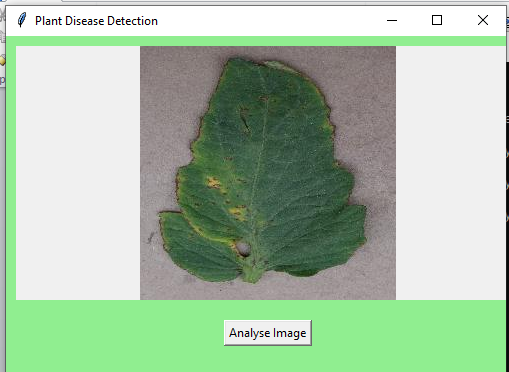
Convolutional Neural Networks are being increasingly used to perform classification. Here we used dataset available on kaggle containing images of different leaves including diseased leaves, train the model using CNN and get good accuracy. The model performs well on the data and can be expanded further to classify more things. We also created a GUI to upload the leaf images, perform classification whether the leaf is affected by a disease or not. It yes, also provide with the remedies to cure.
Code Description & Execution
Algorithm Description
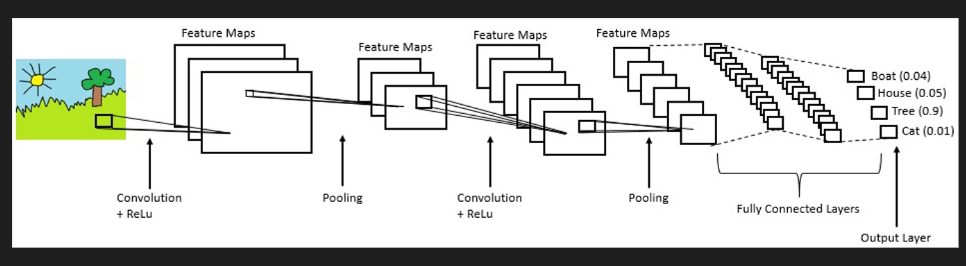
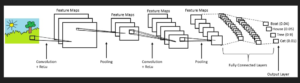
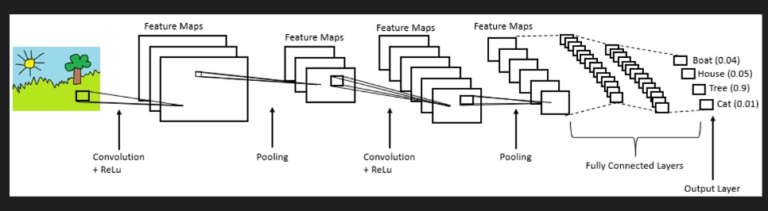
As we all are aware of the fact, how deep learning and transfer learning is revolutionizing the world with its immense capability of handling any kind of data and learning so efficiently. So, similarly we have applied the same concept by picking a deep learning model i.e., Convolutional neural network which basically work son the principle of having filters. Each convolutional layer has some specific filters to identify and extract the features from the input image and learn it and transfer it to other layers for further processing. We can have as many filters as possible in the convolutional layer depending on the data we are dealing on. Filter are nothing but feature detectors in the input data. Along with the convolutional layer we also have other layers which does further pre-processing such as Maxpooling, Activation function, Batch Normalization and dropout layer. These all contribute to the CNN model creation and along with the flatten and output layer. The reason we do flattening is to feed the output of the CNN model to the dense layer which gives us the probability of the predicted value.
Reference:
https://www.ibm.com/cloud/learn/convolutional-neural-networks
How to Execute?
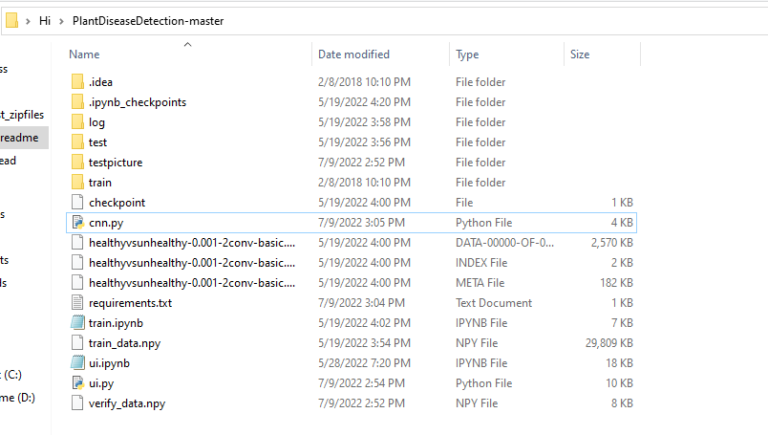
So, before execution we have some pre-requisites that we need to download or install i.e., anaconda environment, python and a code editor. Anaconda: Anaconda is like a package of libraries and offers a great deal of information which allows a data engineer to create multiple environments and install required libraries easy and neat. Refer to this link, if you are just starting and want to know how to install anaconda. If you already have anaconda and want to check on how to create anaconda environment, refer to this article set up jupyter notebook. You can skip the article if you have knowledge of installing anaconda, setting up environment and installing requirements.txt1. Install necessary libraries from requirements.txt file provided.
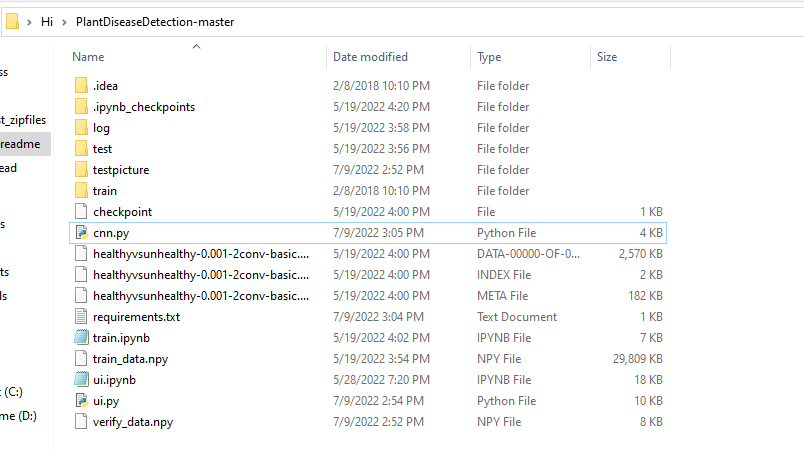
2. Go to the directory where your requirement.txt file is present.
CD<>. E.g, If my file is in d drive, then- CD D:
- CD D:License-Plate-Recognition-main #CHANGE PATH AS PER YOUR PROJECT, THIS IS JUST AN EXAMPLE
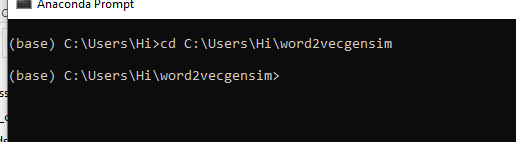
3. Run command pip install -r requirements.txt or conda install requirements.txt
(Requirements.txt is a text file consisting of all the necessary libraries required for executing this python file. If it gives any error while installing libraries, you might need to install them individually.)
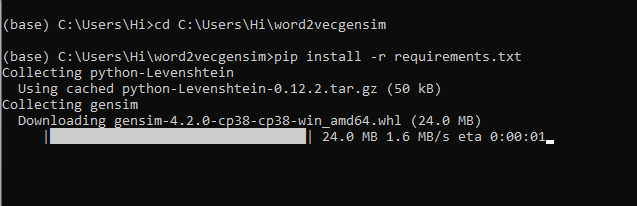 All the necessary files will get downloaded. To run the code, open anaconda prompt. Go to virtual environment if created or operate from the base itself and start jupyter notebook, open folder where your code is present.
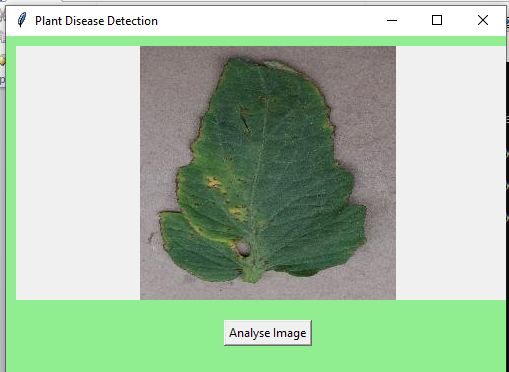
If you want to build your own model for detection, you can go through “cnn.py”
Data Description
We downloaded the dataset from kaggle. The dataset has been provided in the zip file along with the code. It contains a total of 4000 images of 4 different classes including good leaves and diseased leaves.
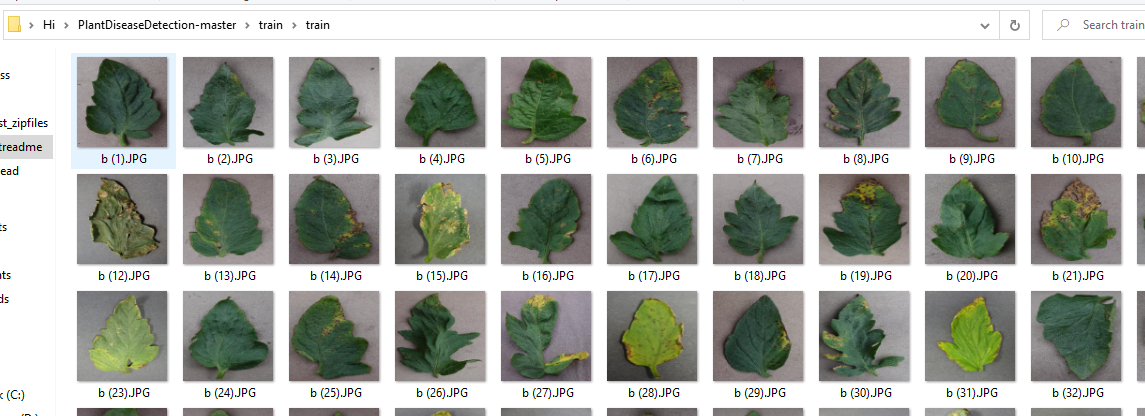
Sample images from the dataset.
Results
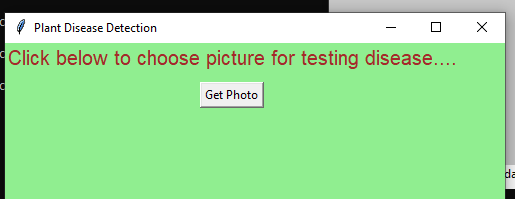
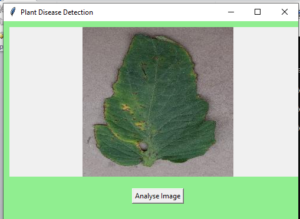
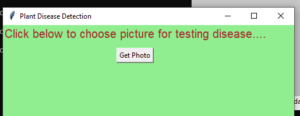
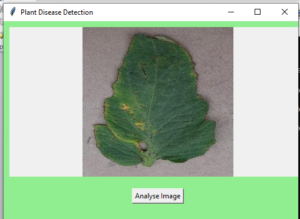
Select any image from the test set to analyze.
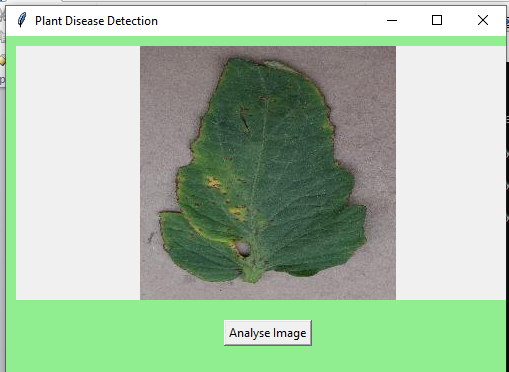
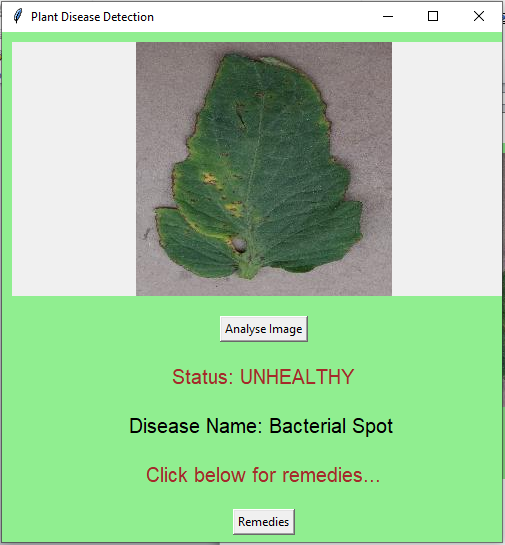
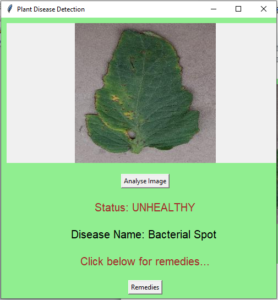
Results after analysis
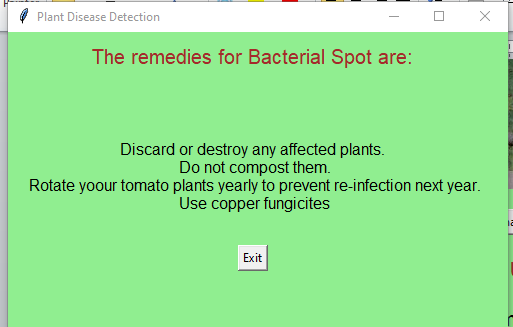
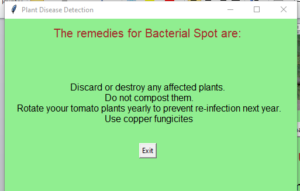
Remedies given for the disease
Issues Faced
- Ensure you have all libraries installed.
- Give correct paths wherever necessary.
- Make sure you have the appropriate versions of tensorflow and keras.
Need the source code or help?
Contact us for model weights, datasets, or guidance on running this project.