
Analyze our Personal Facebook Posting Habits
Abstract
Facebook is a internet site that allows customers to create loose profiles and join with friends, paintings colleagues, and strangers on line. It allows customers to share images, music, videos, and articles, in addition to their very own mind and opinions, with as many humans as they want. Both customers can see what the different individual humans submit due to the fact their profiles were linked.
“Facebookers” can submit nearly something to their “timeline, that is a photo of what is happening of their buddy community at any given time, and also can have interaction in non-public communication with different on line friends. In this text we are able to get to realize that how a lot posts we’ve got uploaded from beginning until the end. More than 2.7 billion humans are lively customers of Facebook. So, odds are top which you use Facebook in case you are analysing this article. But how regularly do you operate Facebook? How regularly do you submit? Python can assist us locate out! Now, Code is created in a this kind of manner that the data is displayed in charts which suggests at what time the consumer published and the number of submit too.
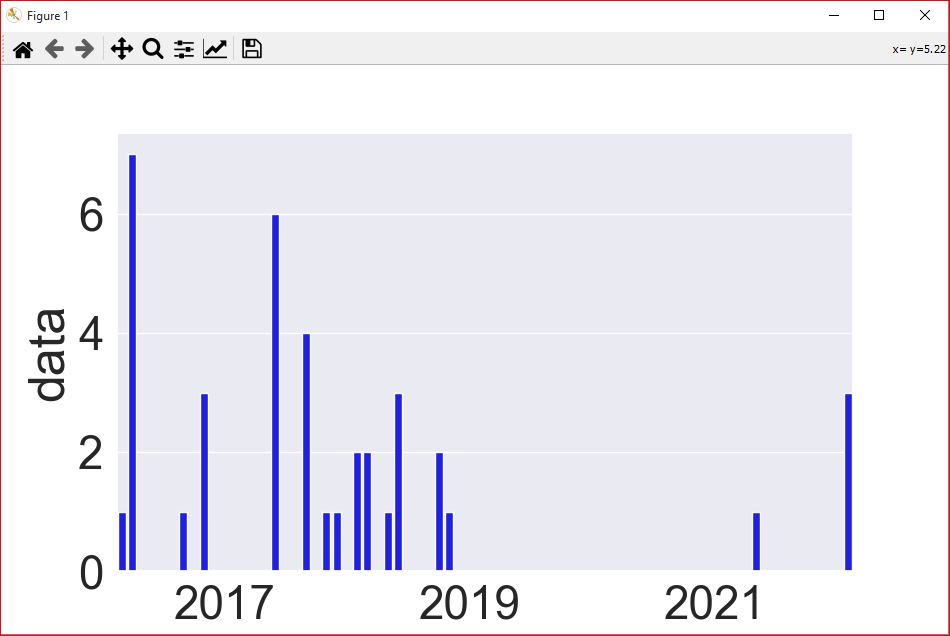
Code Description & Execution
Programming Methodology
In this code, we will import pandas ,numoy, seaborn, pillow module.
Firstly, download your data from this link change the format in to json and then select for post and unselect all other activities which is unnecessary for this project. Now, Click on download and unzip and place it in your directory/folder. Paste the path in the code. Run the code in the terminal. A new window pops up on your display screen.
How to Execute?
Note: Make sure you have added path while installing the software’s.
https://techieyantechnologies.com/2022/07/how-to-install-anaconda/
- Install the prerequisites/software’s required to execute the code from reading the above blog which is provided in the link above.
- Press windows key and type in anaconda prompt a terminal opens up.
- Go to the directory where your requirement.txt file is present, not just requirement.txt, if you want to execute any .py or .ipynb files, you need to go to that specific folder or path, where they are saved.
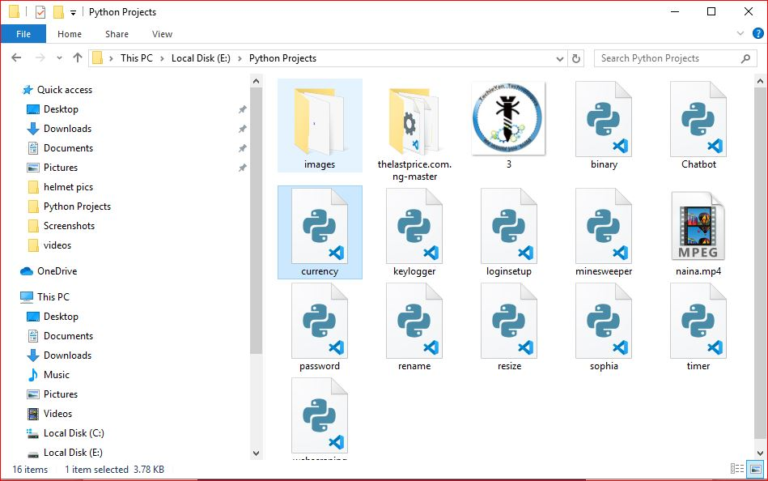
4.<<directory of your file:>>. E.g., If my file is in d drive, then
5.Type d:
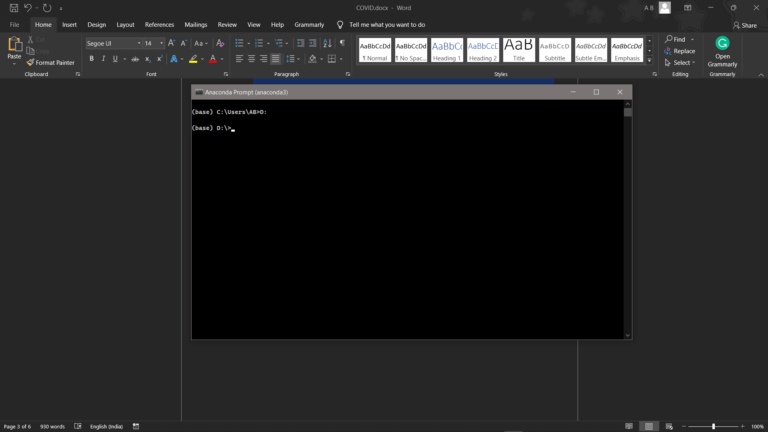
- cd d:\License-Plate-Recognition-main #CHANGE PATH AS PER YOUR PROJECT, THIS IS JUST AN EXAMPLE
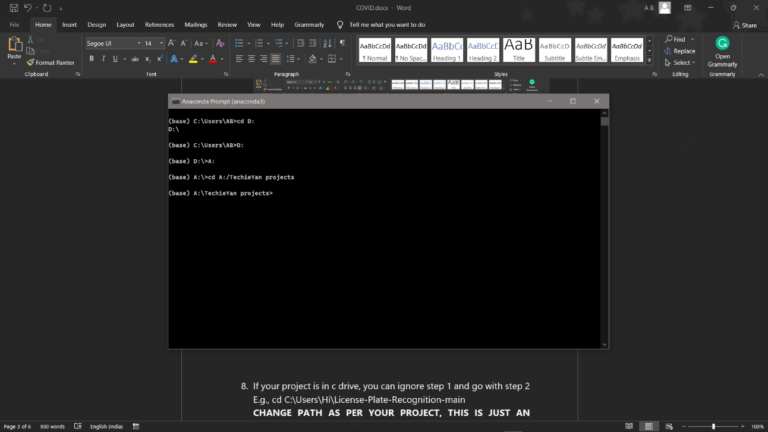
7. If your project is in c drive, you can ignore step 4 and go with step 5
8. Run pip install -r requirements.txt or conda install requirements.txt (Requirements.txt is a text file consisting of all the necessary libraries required for executing this python file. If it gives any error while installing libraries, you might need to install them individually.), example: pip install “module_name” i.e., pip install pandas
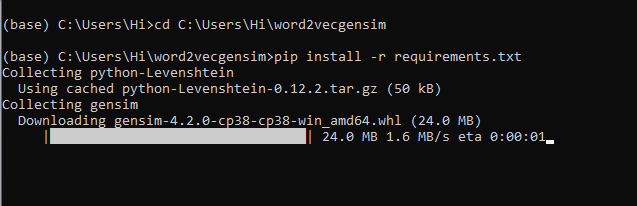
9. If you would like to run .ipynb file, Please follow the link to setup and open jupyter notebook, You will be redirected to the local server there you can select which ever .ipynb file you’d like to run and click on it and execute each cell one by one by pressing shift+enter.
Note: There are 4 different files each seeves different purpose such as,
- ipynb consists of all the data cleaning steps, which are necessary to build a clean and efficient model.
- ipynb consist of major steps and exploratory data analysis which allow us to understand more about the data and behavior of it.
- ipynb consists of data reduction/dimensionality reduction techniques such as Sequential feature selector method to reduce the dimensions in the data and compare the model scores before and after dimensionality reduction.
- ipynb consists of combination of main.ipynb and variable_selection.ipynb to make it more clear and understable for the audience.
Please follow the above sequence if you would like to execute and the files require good system requirements to run.
Results
Issues Faced
- We might face an issue while installing specific libraries, in this case, you might need to install the libraires manually. Example: pip install “module_name/library” i.e., pip install wikipedia
- Make sure you have the latest or specific version of python, since sometimes it might cause version mismatch.
- Adding path to environment variables in order to run python files and anaconda environment in code editor, specifically in any code editor.
- Make sure to change the paths in the codeaccordingly where your music file and VS code is saved.
Refer to the Below links to get more details on installing python and anaconda and how to configure it.
https://techieyantechnologies.com/2022/07/how-to-install-anaconda/
Note:
All the required data has been provided over here. Please feel free to contact me for model weights and if you face any issues.
https://techieyantechnologies.com/contact/
Yes, you now have more knowledge than yesterday, Keep Going.
Click here to download this code and associated file.